The digital age has given families access to an extraordinary wealth of educational resources — interactive quizzes, virtual museums, coding games, reading apps, and science simulators that would have seemed like science fiction just two decades ago. Yet with this abundance comes a genuine challenge: how do parents identify which tools are truly educational, which are safe, and how can they ensure that screen time is genuinely enriching rather than simply entertaining?
This guide is designed to answer exactly those questions. Drawing on child development research, digital safety best practices, and the lived experience of thousands of families, we offer a practical roadmap for making online learning a positive, enriching, and safe part of your child's daily life.
Step 1: Evaluating the Quality of an Educational Tool
Not all educational apps and websites are created equal. Many products marketed as "educational" for children are primarily entertainment products with a thin educational veneer. Here is how to assess quality critically:
Look for Clear Learning Objectives
A high-quality educational tool can answer the question: "What will my child learn by using this?" clearly and specifically. Vague claims like "builds creativity" or "improves thinking" without specific content goals are red flags. Bimtar's Math Wizard Quiz, for example, targets specific arithmetic skills — addition and subtraction fluency — within a defined number range appropriate for primary learners.
Check for Immediate Feedback Mechanisms
Passive consumption — watching videos or animations without interaction — has limited educational value compared to active engagement. Look for tools that require your child to make choices, answer questions, and receive immediate, informative feedback. The feedback should explain why an answer is correct or incorrect, not simply indicate success or failure.
Assess Age Appropriateness
Content difficulty, reading level, and complexity of interaction should match your child's developmental stage. Content that is too advanced creates frustration; content that is too simple creates boredom. Both states are antithetical to learning.
Review Privacy and Data Policies
Before allowing your child to use any online platform, read its Privacy Policy. Look specifically for COPPA (Children's Online Privacy Protection Act) compliance, clear statements about data collection, and explicit policies prohibiting the sale of children's data to third parties. Bimtar.com is designed to be fully COPPA-compliant and collects no personal information from children.
Step 2: Establishing Healthy Screen Time Habits
Screen time guidelines have evolved significantly. The American Academy of Paediatrics (AAP) now recommends a quality-over-quantity approach for children aged 6 and older, emphasising that the type and context of screen use matters as much as the total duration. Here are research-backed habits that maximise benefit and minimise risk:
- 📅 Set consistent schedules — Predictable screen time windows reduce negotiation conflicts and help children mentally prepare for both start and stop times.
- 🍽️ Screen-free zones — Maintain firm boundaries around mealtimes and the hour before bed. Blue light from screens suppresses melatonin, disrupting sleep quality.
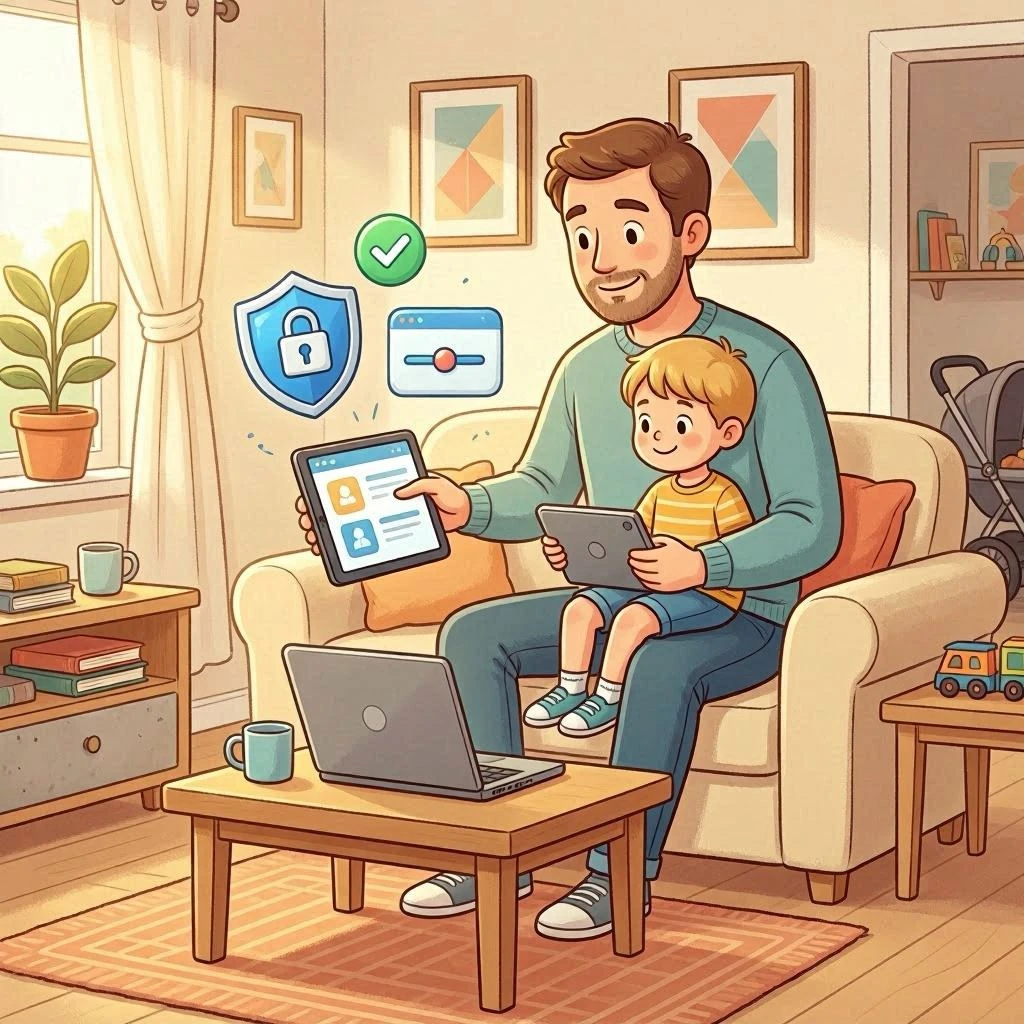
- 👨👩👧 Co-viewing and co-playing — Participating alongside your child transforms passive consumption into a shared experience. Ask questions, express curiosity, and model a positive learning attitude.
- ⏱️ Use timers, not arguments — A visible timer removes the "just five more minutes" negotiation. When the timer rings, the session ends — no exceptions, no debates.
- 🌿 Balance with offline activity — For every hour of screen-based learning, encourage at least equivalent time in physical play, creative activity, or social interaction.
Step 3: Creating a Safe Online Environment
Digital safety for children involves multiple layers of protection. Technology alone is never sufficient — it must be combined with open communication and age-appropriate digital literacy education.
Technical Safeguards
- 🔒 Use parental controls — Most devices and browsers offer built-in parental control features. Enable content filtering and time limits as a baseline.
- 🔒 Create a supervised account — Use child-specific accounts (Google Family Link, Apple Screen Time) that give you oversight without invasive monitoring.
- 🔒 Keep devices in shared spaces — Children who use devices in living rooms or kitchens are naturally more careful and less likely to encounter inappropriate content.
- 🔒 Regularly review browsing history — Not as surveillance, but as a conversation starter. "I saw you looked up dinosaurs — want to explore more together?"
Conversational Safeguards
Research consistently shows that the most powerful protection against online risk is not technology — it is the quality of the parent-child relationship and communication. Children who feel comfortable talking to their parents about online experiences are significantly more likely to report discomfort, confusion, or contact with inappropriate content.
- 💬 Talk openly about the internet — Normalise conversations about what your child sees, plays, and feels online.
- 💬 Teach the "pause and tell" rule — If they see something that makes them feel uncomfortable, they should pause and tell a trusted adult immediately.
- 💬 Explain privacy in simple terms — "We never share our real name, address, school name, or photos online without asking a grown-up first."
Step 4: Making the Most of Educational Tools Like Bimtar
Once you have selected a safe, high-quality platform, there are specific strategies that dramatically amplify its educational impact:
- 🎯 Connect digital to physical — After the Animal Explorer Quiz, look up the animals in a book or watch a nature documentary together. The quiz becomes a gateway, not a destination.
- 🎯 Encourage reflection — Ask your child: "Which question was the hardest? Which fact surprised you the most?" Reflection deepens learning.
- 🎯 Celebrate improvement, not perfection — Focus on "You got two more right than last time!" rather than "You only got 7 out of 10."
- 🎯 Create a learning journal — Encourage your child to write or draw one thing they learned from each quiz session. This physical record makes digital learning tangible and memorable.
- 🎯 Set meaningful goals — "Let's try to get 8 out of 10 by next week" gives children a concrete target that motivates practice without inducing anxiety.
Warning Signs: When Screen Time is Becoming Problematic
Even high-quality educational tools can be overused. Watch for these signs that screen time may need adjustment:
- ⚠️ Significant resistance or distress when screen time ends
- ⚠️ Preferring screens to previously enjoyed activities like outdoor play or creative hobbies
- ⚠️ Declining school performance despite increased educational screen time
- ⚠️ Sleep disturbances, irritability, or difficulty concentrating
- ⚠️ Secretive behaviour around device use
If you observe several of these signs consistently over two or more weeks, consider consulting your child's paediatrician or a child psychologist. Screen habits respond quickly to consistent, calm, and supportive adjustment.
COPPA and Children's Privacy: What Every Parent Should Know
The Children's Online Privacy Protection Act (COPPA) is a US federal law that restricts the collection of personal information from children under 13 without verifiable parental consent. When evaluating any online educational tool, confirm that it:
- ✅ States COPPA compliance explicitly in its Privacy Policy
- ✅ Does not require account creation from children under 13
- ✅ Does not display behavioural advertising targeted at children
- ✅ Provides parents with the right to review, correct, or delete any data collected
Bimtar.com satisfies all of these requirements. We do not collect personal information from children, do not serve targeted advertising, and are designed to be used without any account registration.
Conclusion: You Are Your Child's Best Digital Guide
Technology is a tool — its value is entirely determined by how thoughtfully and intentionally it is used. Online educational platforms like Bimtar.com can genuinely enrich your child's learning journey when chosen carefully and used with parental engagement. But no app, however well-designed, can replace the irreplaceable: a parent who is curious alongside their child, who celebrates their discoveries, and who creates a home environment where learning — digital and otherwise — feels like the greatest adventure of all.
You already have the most powerful educational tool in the world. It is called interest, attention, and love. Everything else — including Bimtar — is just here to help.
Ready to explore together?